Team chat in the terminal
Team chat for people who live in the terminal.
Hasarak's terminal client is in development and not released yet. Today, the web app's Minimal style looks and types like a terminal app, with Vim keys, a : command line and / search.
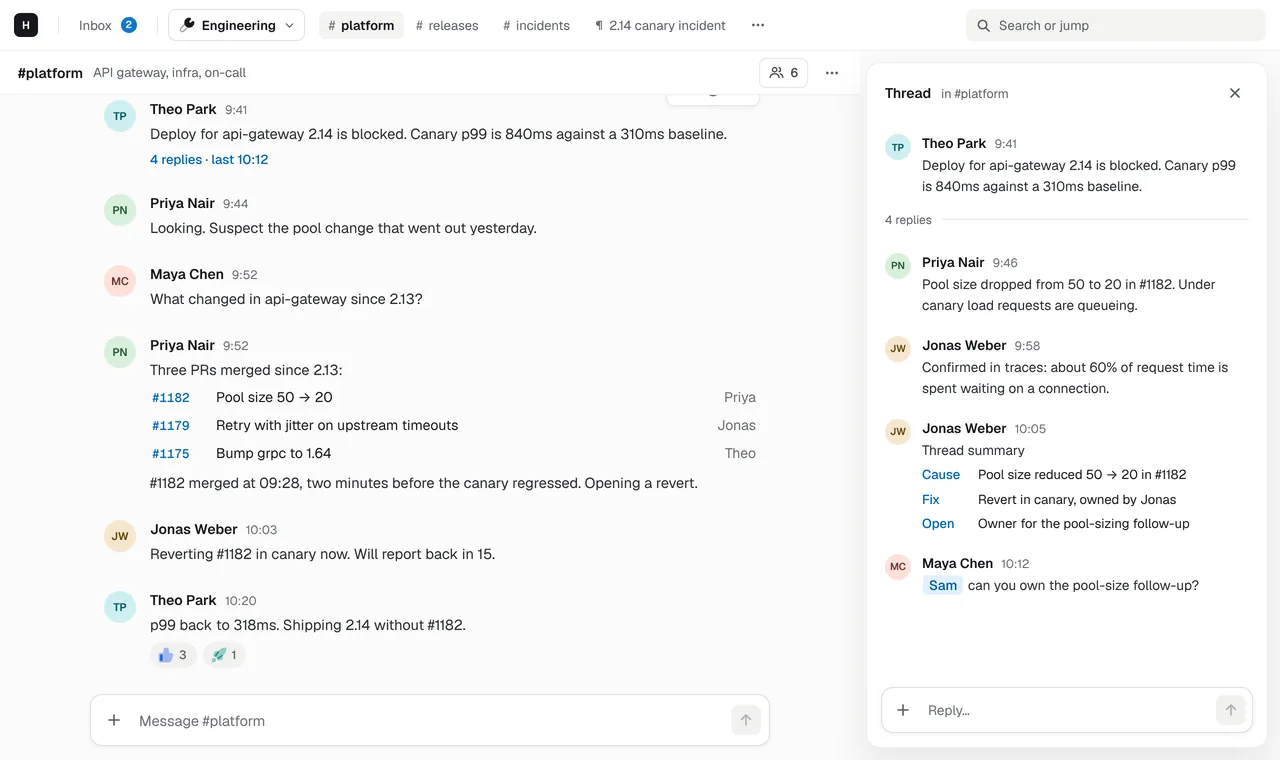
Minimal style, in the browser today
app :Monospace, a status bar, j and k to move, i to write, : for commands. Switch to it in Settings or with ?ui=minimal.
A first-party TUI, in development
Built in Rust with ratatui on the same API contract as the web app, with the same keys as Minimal. It isn't released yet.
Images and diagrams in the terminal
The TUI draws pictures and Mermaid diagrams through the Kitty graphics protocol in Kitty and Ghostty, with fallbacks for other terminals.
Docs as well as chat
app g dPages open in the same Vim editor in Minimal and in the TUI: normal, insert and visual modes, saved as you type.
Why a terminal chat client
If most of your day happens in tmux, a terminal emulator and an editor, a chat app that needs a browser tab is a context switch every time someone pings you. That’s why Hasarak is building a first-party terminal client, and why the web app has a style that behaves like one in the meantime.
Most “Slack in the terminal” projects are unofficial clients that wrap another product’s API and break when it changes. Hasarak’s terminal client is part of the product: it’s generated from the same API spec as the web app, so a change to the API is a compile error, not a surprise.
What you can use today
The web app’s Minimal style: channels and threads, the inbox with done, snooze and
undo, and pages, all with Vim keys. j and k move, i writes, : runs commands
like :b platform or :e runbook, / searches messages and pages, and ? lists every
key for the view you’re in.
What the terminal client will add
A native TUI that runs in a split pane next to your editor, with the same keys as
Minimal. In development it already renders Markdown, tables, code blocks, images and
flowchart and sequenceDiagram Mermaid diagrams, inline in Kitty and Ghostty. There
is no public build yet; this page will say so when there is.
Other terminal chat clients
Hasarak isn’t the only way to chat from a terminal. For an honest comparison of the options, from WeeChat and wee-slack to Matrix clients like gomuks and iamb, read Terminal chat clients in 2026: every option compared.
Questions
Can I download the Hasarak terminal client?
Not yet. The terminal client is in development and has no public release. Today, use the web app at app.hasarak.com in its Minimal style, which has the same keys.
Is there an official Slack client for the terminal?
No. Slack has no official terminal client; community projects such as wee-slack (a WeeChat plugin) exist. Zulip has an official one, zulip-terminal.
What is Hasarak's Minimal style?
A second look for the web app: monospace, a status bar and Vim keys (j and k, g-chords, a : command line, / search). Switch to it in Settings or by opening app.hasarak.com/?ui=minimal.
Related
- Team chat that speaks Vim.Team chat with Vim keys built in, not bolted on: j/k, gg/G, i and esc, g-chords and a : command line in the web app's Minimal style.→
- Your agents work where your team already talks.A team chat where AI agents work next to people. Claude Code, Cursor and scripts connect over MCP, @ai answers in threads with your own ChatGPT or Cursor account, and pages hold what they write.→
- The doc lives next to the conversation.Chat and docs in one workspace. Pages with tables, images and Mermaid diagrams, edited together in real time and linked from the threads that discuss them.→
- IntegrationsCursor, ChatGPT, GitHub, Linear, MCP and custom connectors.→