For Vim users
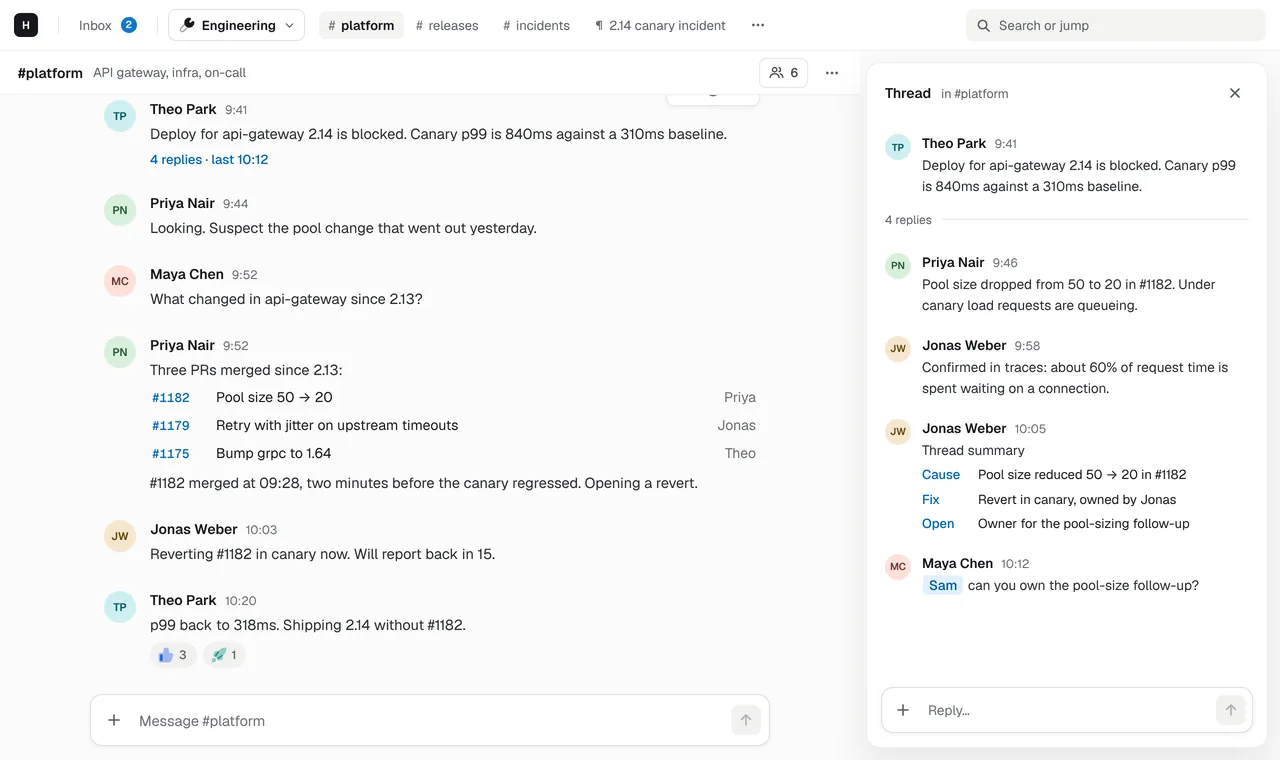
Team chat that speaks Vim.
Normal mode, insert mode, j and k, gg and G, and a colon command line. Switch the web app to its Minimal style and the keys are designed in, not bolted on.
Normal and insert mode
app i escMove through messages with j and k, press i to write, esc to go back to normal mode. No mouse, no focus traps.
g-chords to jump
app g ig i for the inbox, g d for pages, g s for settings, gg and G for the top and bottom of any list.
A : command line
app :Press : for an ex-style command line (:b channel, :e page, :q, :new space) with Tab completion and history; / searches messages and pages.
Tabs with H and L
app H LSpaces are tabs: 0–9 switch them (0 is the inbox), H and L or gt and gT go to the previous and next; h and l move through the open space's channels and pages.
Keyboard shortcuts that aren’t an afterthought
Most chat apps have a handful of shortcuts and a cheat sheet nobody reads. In
Hasarak’s Minimal style the keyboard is the primary interface: every action in a
channel, a thread, the inbox or a page has a key, one key means one thing everywhere,
and ? lists them all wherever you are.
The keys
In a channel, j and k move between messages, ⌃D and ⌃U by half a screen,
↵ or o opens the thread or page, r replies, c edits your message, x deletes
it (x again to confirm) and + adds a thumbs up. q or esc closes what is open,
and ⌃O goes back to where you were. The composer is real Vim: text objects, counts,
u and ..
The inbox works like a to-do list: x or dd marks an item done, s snoozes it
and u undoes the last thing you did. In the pages list, n makes a new page; on a
page, c edits it in Vim.
Two styles, one workspace
Minimal is one of the web app’s two styles; switch in Settings, from the palette, or
by opening app.hasarak.com/?ui=minimal. Teammates who prefer a conventional look use
Modern, with ⌘K to jump anywhere, in the same channels. The terminal and desktop apps
in development use Minimal’s keys too.
For every key side by side with Slack’s and Discord’s, see the keyboard shortcuts cheat sheet.
Related
- Your agents work where your team already talks.A team chat where AI agents work next to people. Claude Code, Cursor and scripts connect over MCP, @ai answers in threads with your own ChatGPT or Cursor account, and pages hold what they write.→
- The doc lives next to the conversation.Chat and docs in one workspace. Pages with tables, images and Mermaid diagrams, edited together in real time and linked from the threads that discuss them.→
- Incidents, runbooks and your agents in one place.Team chat for engineering teams, with incident docs next to the thread and a built-in MCP server so Claude Code, Cursor and your scripts can join in.→
- IntegrationsCursor, ChatGPT, GitHub, Linear, MCP and custom connectors.→