Chat and docs together
The doc lives next to the conversation.
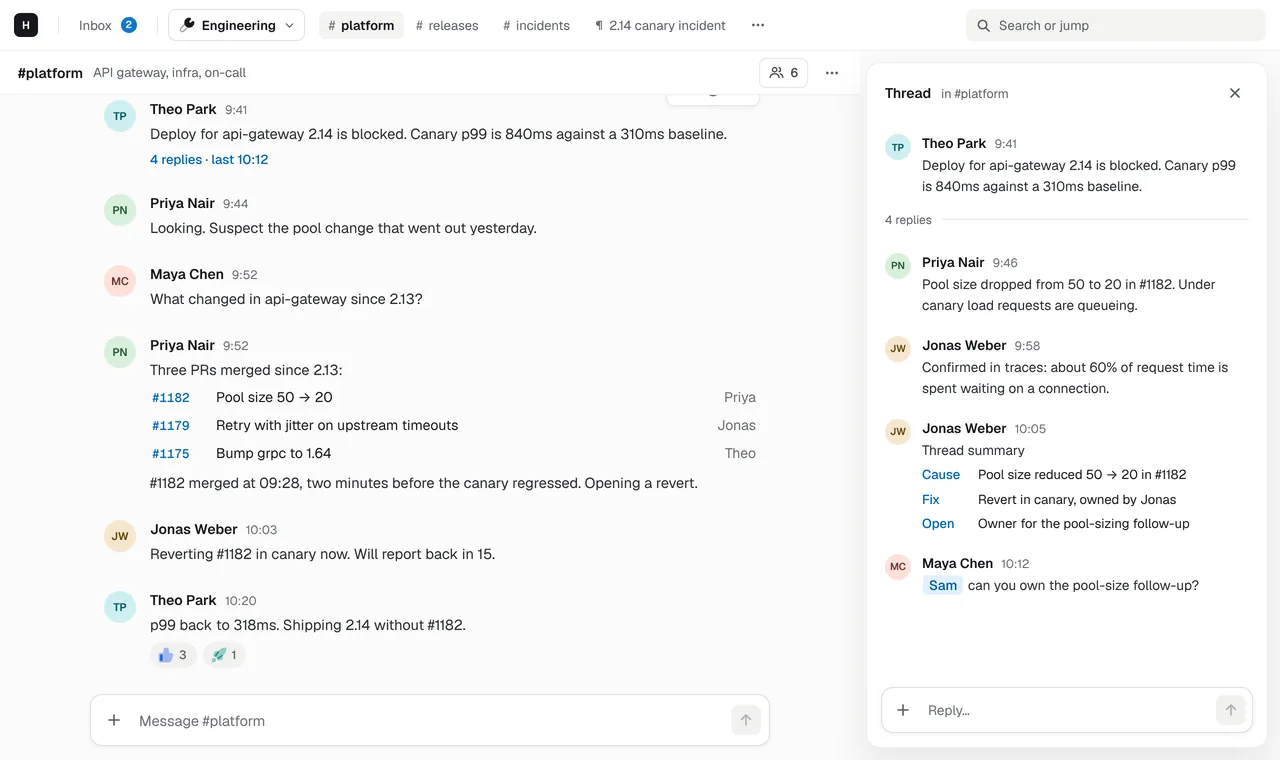
Hasarak pages are docs with tables, images and Mermaid diagrams, in the same workspace as your channels. Your team edits them together, and a link in a thread opens the page as a tab.
Edited together, saved as you type
Several people can edit a page at once and see each other's changes live. There is no Save button.
Rich text or Vim, your choice
app cModern gives you a rich editor with a / menu; Minimal edits the same page as Markdown with Vim keys.
Mermaid diagrams as code
A mermaid code block renders as a diagram: flowcharts and sequence diagrams, kept as text that diffs.
Linked from chat
app ↵A message that links a page shows its title. Press ↵ on the message and the page opens as a tab.
One place to search and jump
app ⌘ K⌘K finds pages and channels from anywhere.
Stop pasting links to another wiki
Decisions get made in chat and written up somewhere else, and the two drift apart. In Hasarak the docs are part of the workspace: the same people, the same keys and the same app. A design doc, a runbook or an onboarding checklist is a page, and the thread where it was discussed links straight to it.
Diagrams as code
Write a Mermaid flowchart or sequenceDiagram in a code block and it renders as a
diagram. Because it’s text, it diffs, it can be reviewed and it never goes stale in
an image export. The web app renders diagrams with mermaid.js.
Docs your tools can write
Pages are part of the API and the workspace’s MCP server, so a script or any MCP
client can read and update them: keep a release-notes page current, or publish a
weekly summary of a channel. Connectors can ask for pages:read and pages:write
too, and subscribe to page.changed.
New to diagrams-as-code? Mermaid diagrams in team docs has copy-paste examples and the syntax mistakes to avoid.
Related
- Incidents, runbooks and your agents in one place.Team chat for engineering teams, with incident docs next to the thread and a built-in MCP server so Claude Code, Cursor and your scripts can join in.→
- Keep maintainers on the same page.Chat for maintainer teams: threads for reviews and releases, pages for contributor guides and release checklists, an MCP server for your scripts, and a free plan.→
- Async by default, for teams across time zones.Remote and async-friendly team chat with threads, one inbox for mentions and replies, snooze, and docs edited together. In the browser, nothing to install.→
- IntegrationsCursor, ChatGPT, GitHub, Linear, MCP and custom connectors.→